
cntr_mgmt:container_mgmt_webclient_screens
This is an old revision of the document!
Table of Contents
Container Management (Web Client) Screens
SAP B1 Container Management
The SAP B1 Container Management screen allows the user to create and maintain information for containers in the B1 system.
- Click the SAP menu option titled Web Client under the Administration menu to load the SAP B1 Web Client login screen.
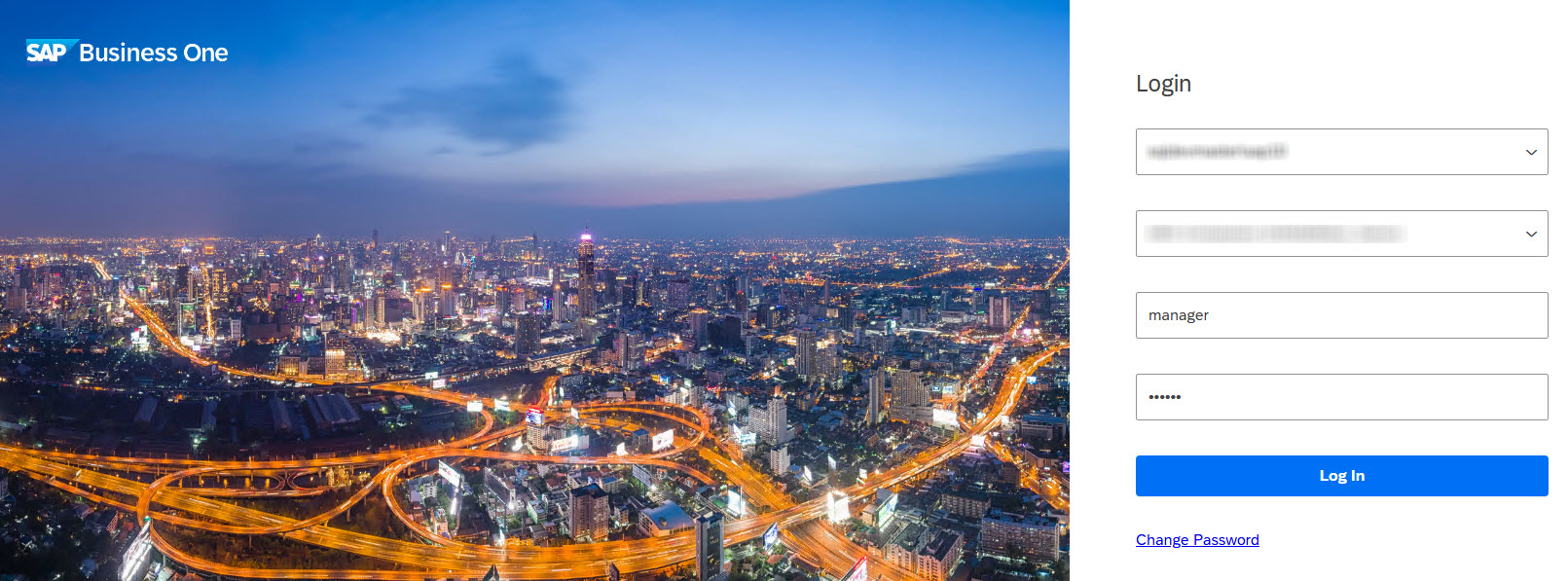
- Once the SAP B1 Web Client has loaded, select the menu icon in the upper left corner.
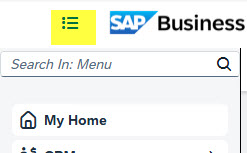
- Click the SAP menu option titled Container Management under the User Defined Objects menu to load the SAP B1 Container Management screen.
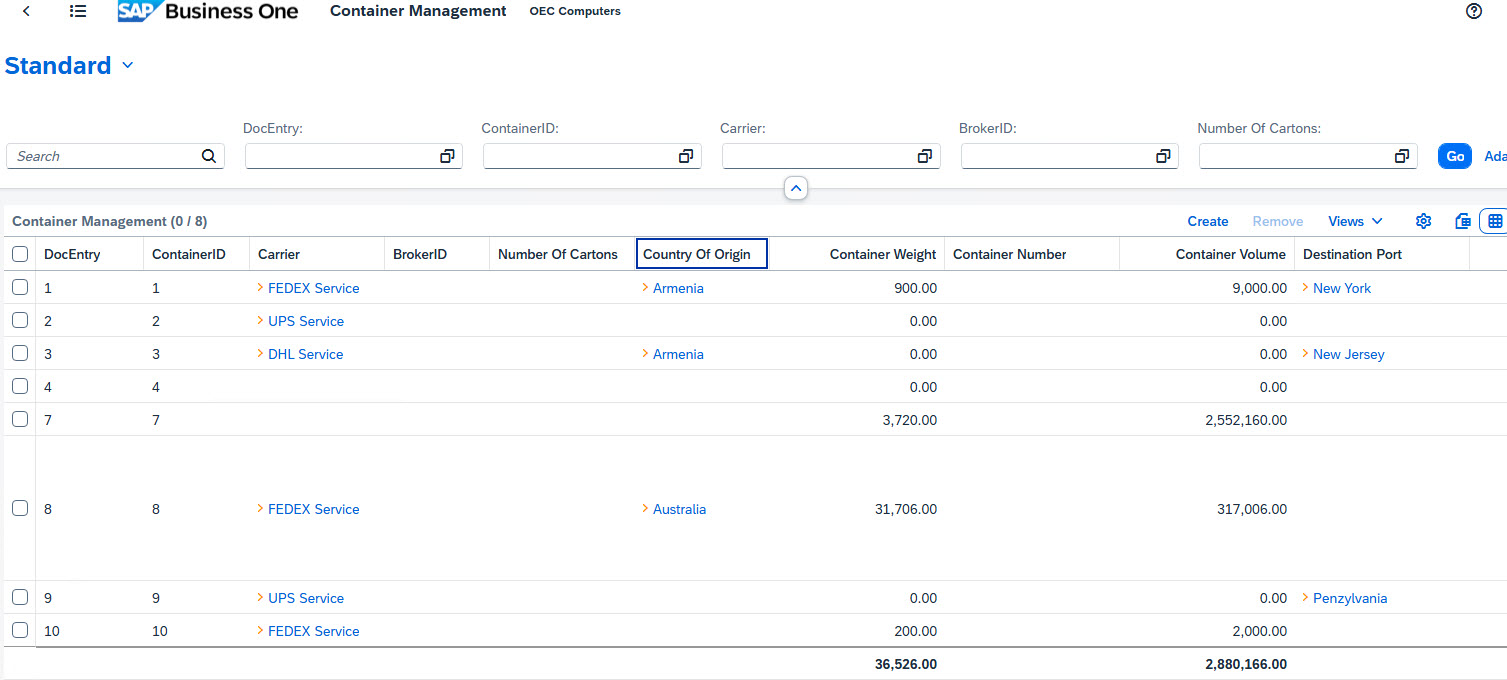
- Select a container line from the grid in order to review or edit the data for the container.
- Click the Create link above the grid to enter information for a new container.
SAP B1 Container Details
- Outgoing Payment Report - Designates the APP report that will be used to generate outgoing EFT payment remittances.
- Incoming Payment Report - Designates the APP report that will be used to generate incoming EFT payment remittances.
All delivery setup and administration is performed through the APP Reports Maintenance screen.
- Cancel button - Cancels the bank setup process and closes the wizard.
- Back button - Moves to the previous screen in the bank setup process.
- Next button - Moves to the next screen in the bank setup process.

- Ok button – Closes the form.
- Create Pre-note button – Initiates the generation of the pre-note file.
- Recreate Pre-note button – Initiates the re-generation of the pre note file in cases of modifications.
cntr_mgmt/container_mgmt_webclient_screens.1764941135.txt.gz · Last modified: 2025/12/05 08:25 by dtucker
Except where otherwise noted, content on this wiki is licensed under the following license: CC Attribution-Noncommercial 4.0 International


