
Table of Contents
Upgrade Instructions
Verify Versago 3 system requirements before proceeding.
Note that Versago 3 can only be upgraded from Versago 2.5.7. If you have a previous version of Versago, you must first upgrade to 2.5.7
Make sure to clear your browser cache after each Versago upgrade since new functionality may not work until the refresh.
Upgrade
- Backup your Versago database
- Backup the entire VersagoApp folder under the Versago installation path
- Execute the “setup.exe” file in the installation package . This will start the installation process.
- Always use the right-click > Run as administrator option to execute the installation.
- Click [Next] to continue from the first screen that is presented.
- Review and accept the End User License Agreement (EULA) that is presented.
- Click [Next] to continue.
- Confirm or change the installation location of the Versago files.
- Click [Next] to continue.
- Set installation options
- Enter the site's port. The default port for SSL is 443
- Select the desired certificate from the drop-down.
- Click [Next] to continue.

The installer will install/update necessary components such as the Crystal reports runtime and the .Net runtime. Please be patient since it may take a while
- The final installation page provides the option start Versago.
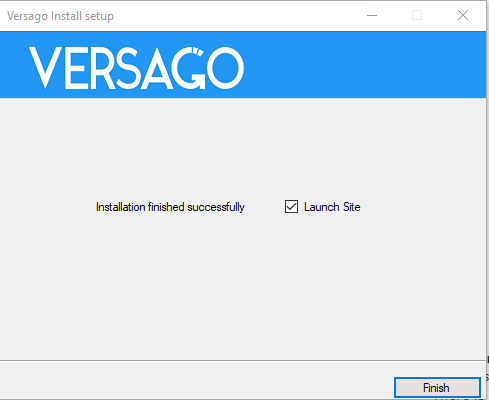

The migration scripts that update Versago's configuration data will be run when the site is launched for the first time. Please be patient.
Upgrade Considerations
Please review the following upgrade considerations.
Always ask users to hard-refresh (CTRL+F5) their browsers after an upgrade.
The URL for Data Views and Forms is different from that of Versago 2.5. The configuration will need to be manually updated to the new address format. The following are some possible areas that will need to be updated:
- Saved browser bookmarks
- Custom and standard buttons with links
Form addresses have been obfuscated to stop users from accessing other records by simply changing the URL address.
If users with multiple roles exists, define the default role in the user set up page since the migration will assign set the default role to the last role assigned to the user.
The batch id generated on multi-select data views is now a much larger integer and it is not sequential.
Conditional coloring based on the value of the X axis of a chart is currently not supported in VGO 3.0. The functionality will be reintroduced in the later release.
If you use dashboards with charts, please review that the legends are properly assigned to the chart's Y axis.
Please refer to Stored Procedure Limitations when using a store procedure as the data source. These limitations do not apply to data views migrated from Versago 2.5. However, the migrated data views cannot be changed.
If Bizweaver is installed on the same server, recreate the Bizweaver service by following these steps:
- Go to the Versago site in IIS Manager
- Right click the Versago site and choose Add Application from the context menu
- Complete the Add Application window as shown below and click OK

Account Filters, formerly know as Profiles, no longer support a filter column name different from that of the actual table column name.
If your Versago 2.5.7 configuration had a Profile Field Identifier different from the Field Name, you must update your Data Views to use the Field Name.
In Addition, multiple profile filters are not longer allowed base on the same table. You will have to create separate account filters.
The image below shows an example from a Versago 2.5.7 set up that is no longer supported.


